Your paper menu, live on every table by tonight
Photograph the menu you already have. ENSMENU reads the dishes, prices and categories, then publishes a QR menu your guests can order from — in Arabic and English.
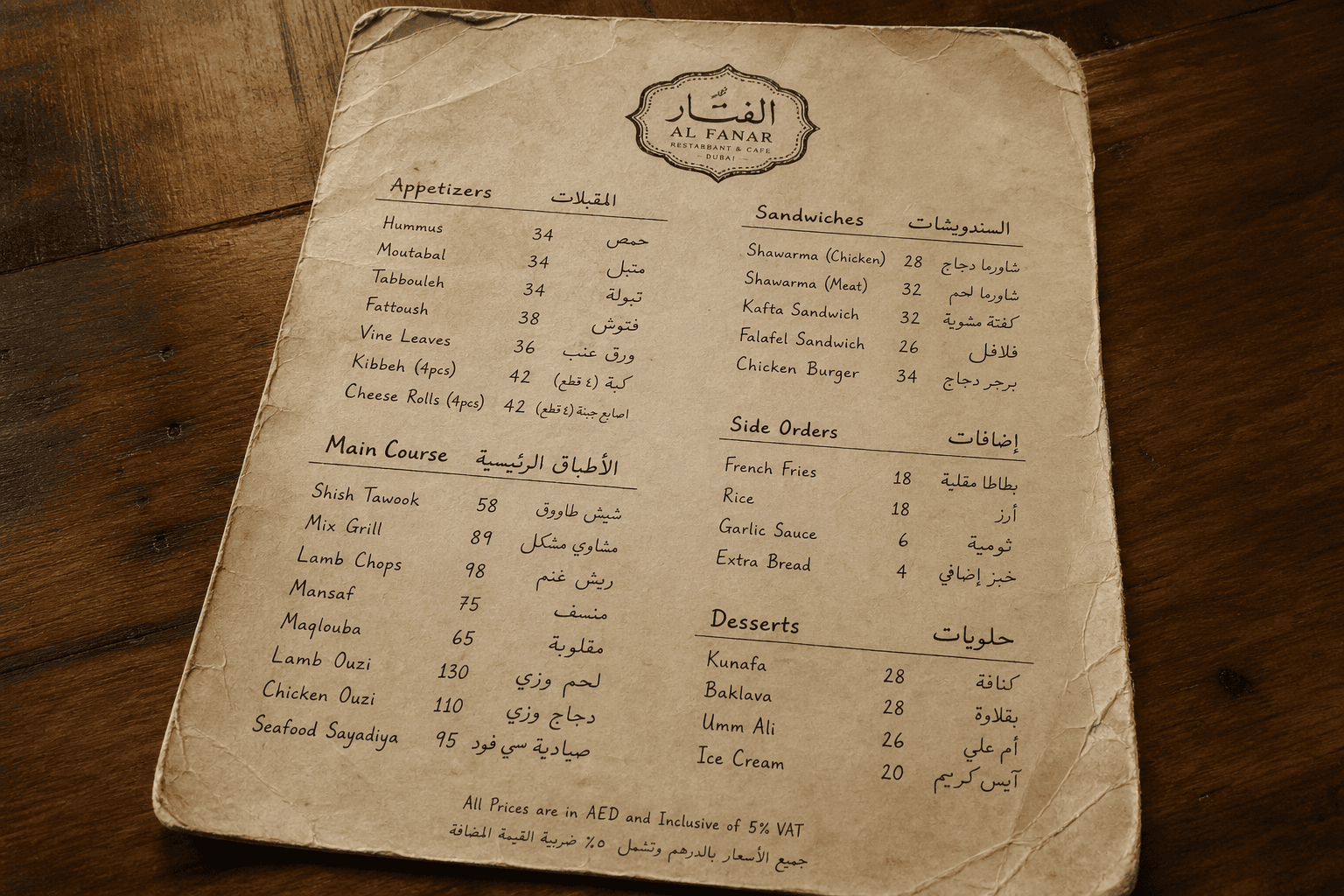
Table 12
Your restaurant
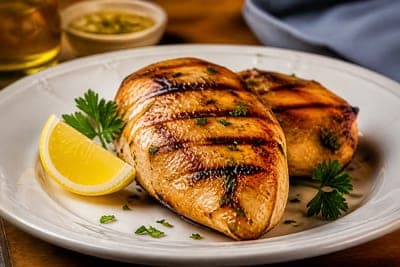
Grilled chicken
85 EGP

Fresh orange juice
35 EGP
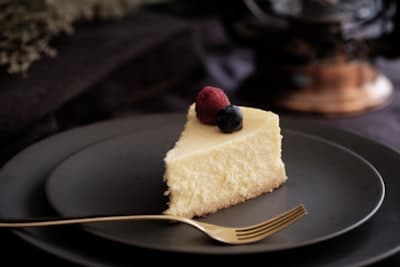
Cheesecake
55 EGP
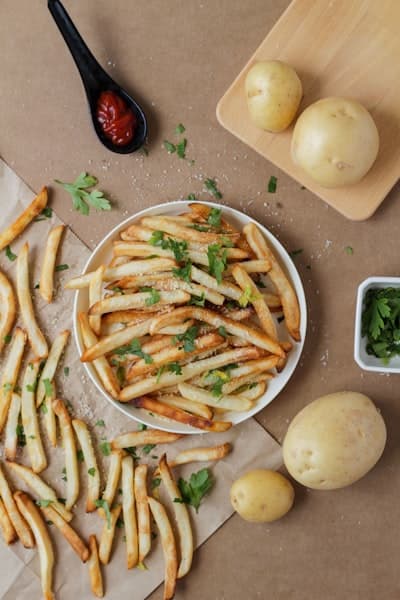
Potato wedges
28 EGP
- Free plan to start
- No app for your guests
- Arabic and English
From paper to live in four steps
No typing your menu in by hand. Upload what you already print, and correct anything the import got wrong before it goes live.
01
Upload your menu
A photo of the printed menu, or a PDF. One page or twenty.
02
AI reads it
Dishes, prices and categories are pulled out and organised for you.
03
Check and adjust
Fix a price, rename a dish, add a photo. Nothing publishes until you say so.
04
Publish and print the QR
Guests scan at the table and order from their own phone.
And that is the whole job
The same menu, on every table by tonight
Change a price at 7pm and the next guest to scan sees the new one. No reprinting, no app for them to install.
Venues already serving guests with ENSMENU
Everything a venue needs once the menu is live
The menu is only the start. Ordering, delivery, staff and the numbers behind them all run from the same dashboard.
QR menu
One code for the venue, or a separate code per table so every order arrives tagged.
Table ordering
Guests order from their own phone and the order reaches your dashboard immediately.
Delivery orders
Take delivery through the same menu, with customer addresses and order status.
Analytics
See which dishes get opened, which ones sell, and when your busy hours actually are.
Staff and roles
Give waiters and kitchen staff their own logins, with only the access they need.
Arabic and English
Bilingual and right-to-left by default — in the guest menu and in your dashboard.
Choose how your menu looks
Every template is responsive, bilingual, and yours to recolour with your own brand.
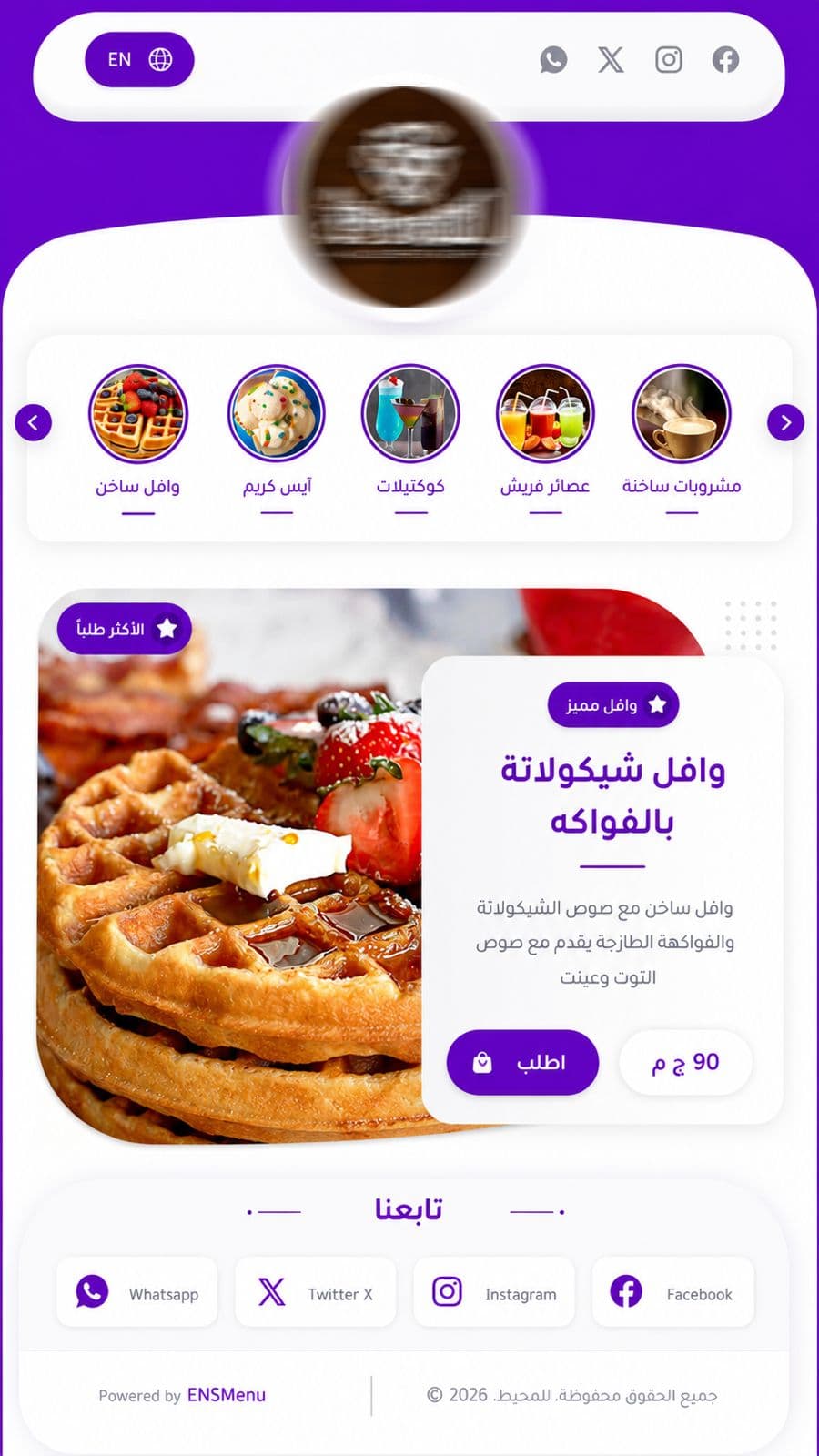
Default Template
Modern bilingual menu with hero section and smooth animations
Free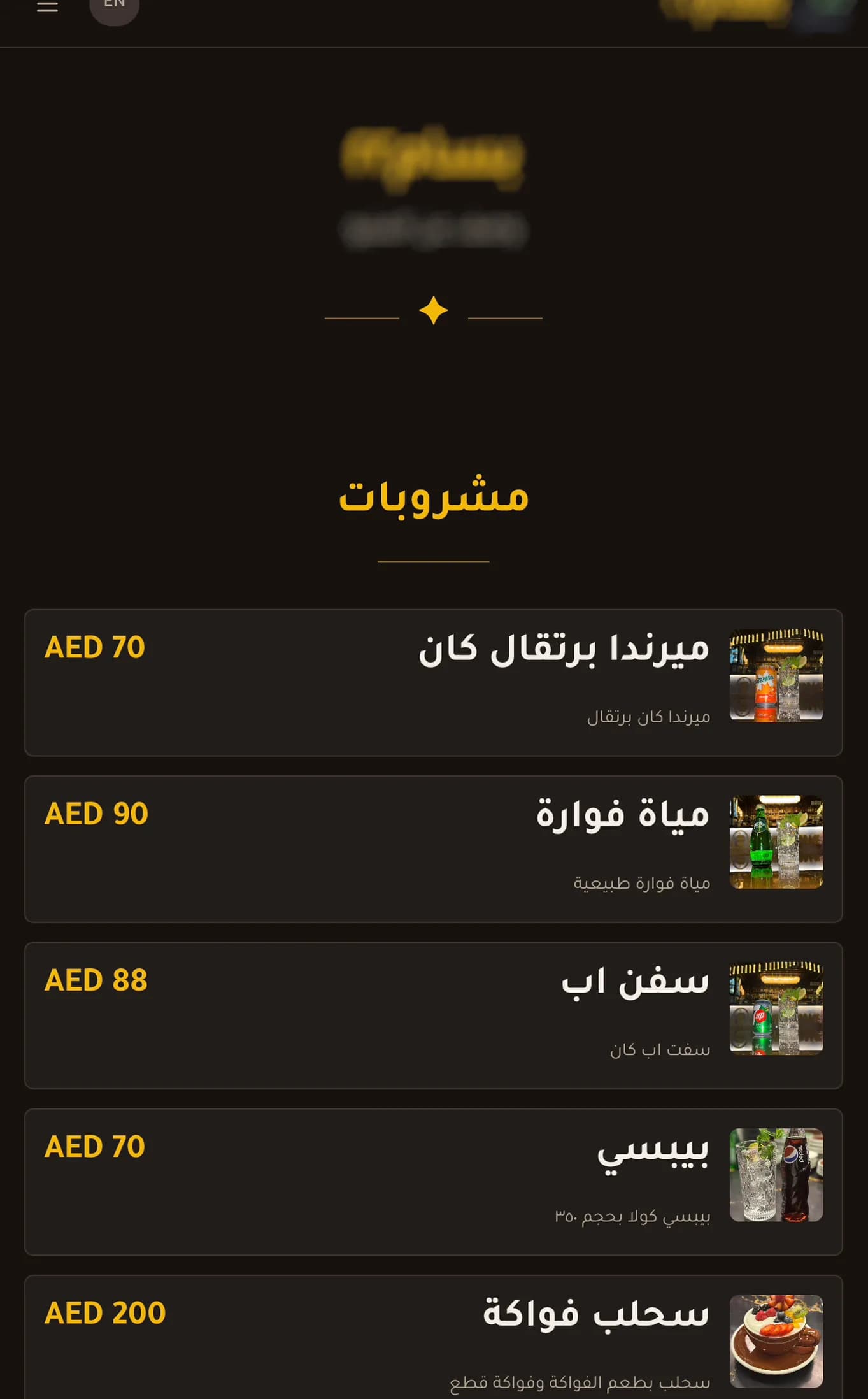
Coffee Template
Coffee menu template with a modern design
Free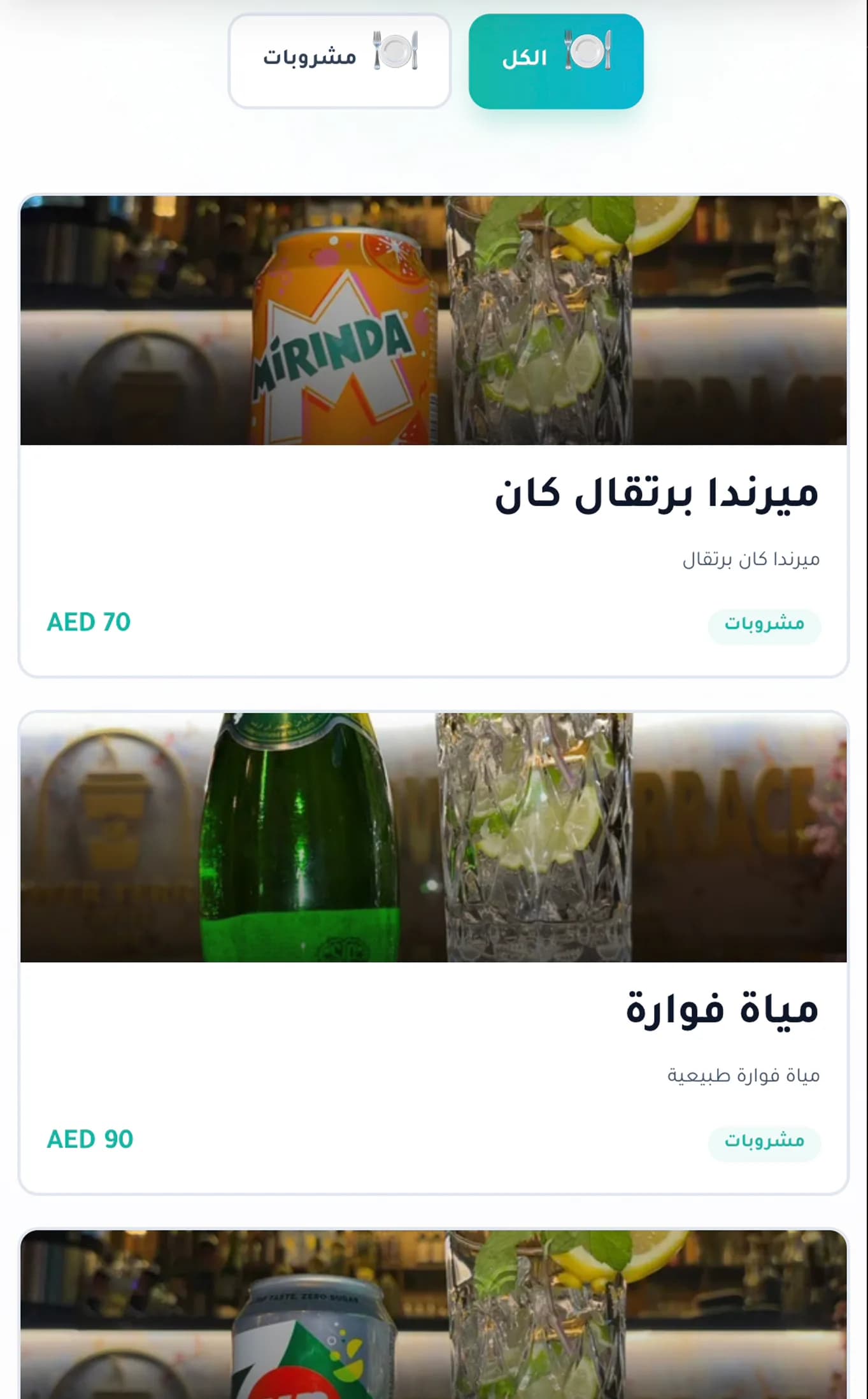
Neon Template
Neon menu template with a modern design
ProNew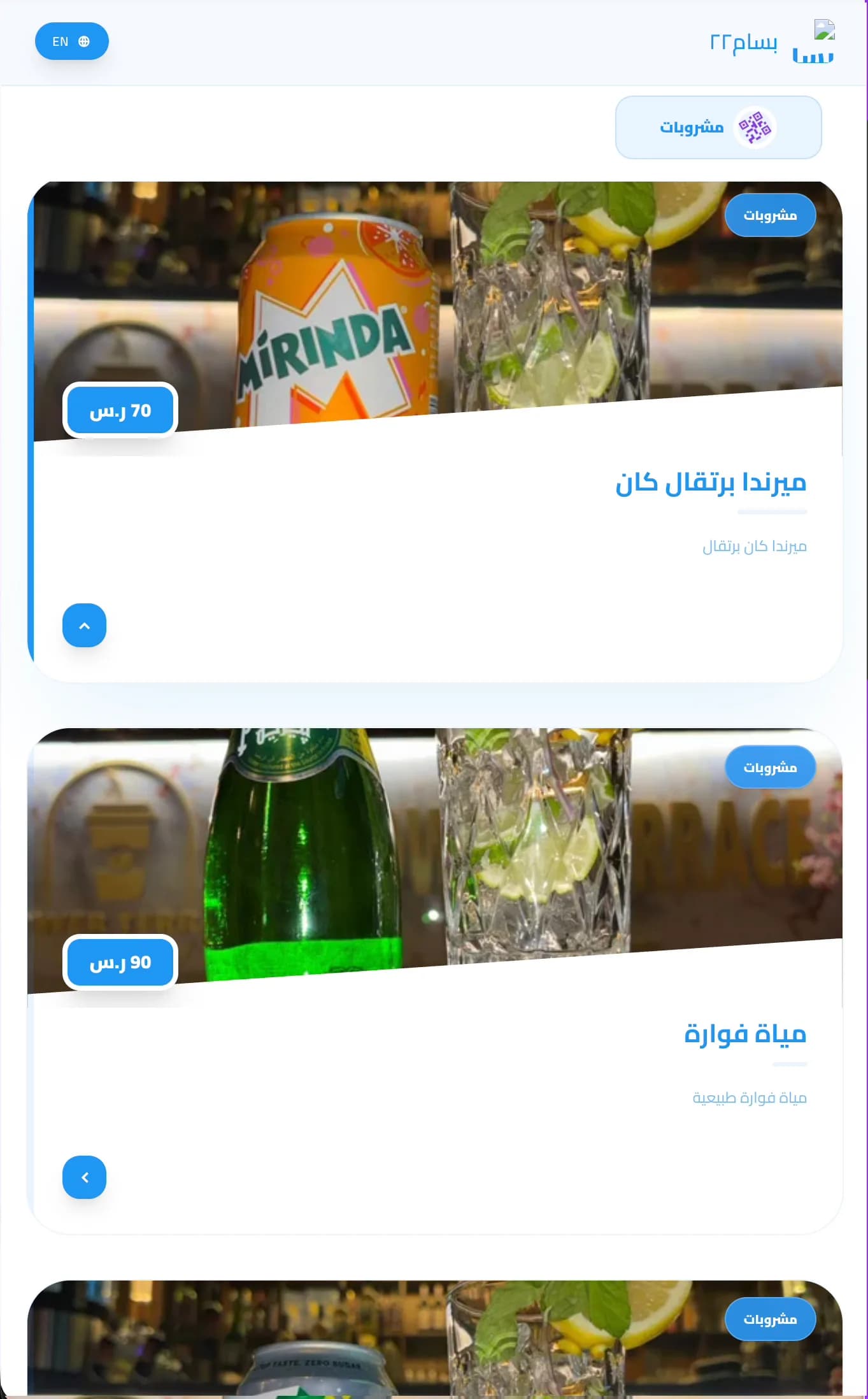
Sky Template
Sky menu template with a modern design and blue color
ProNew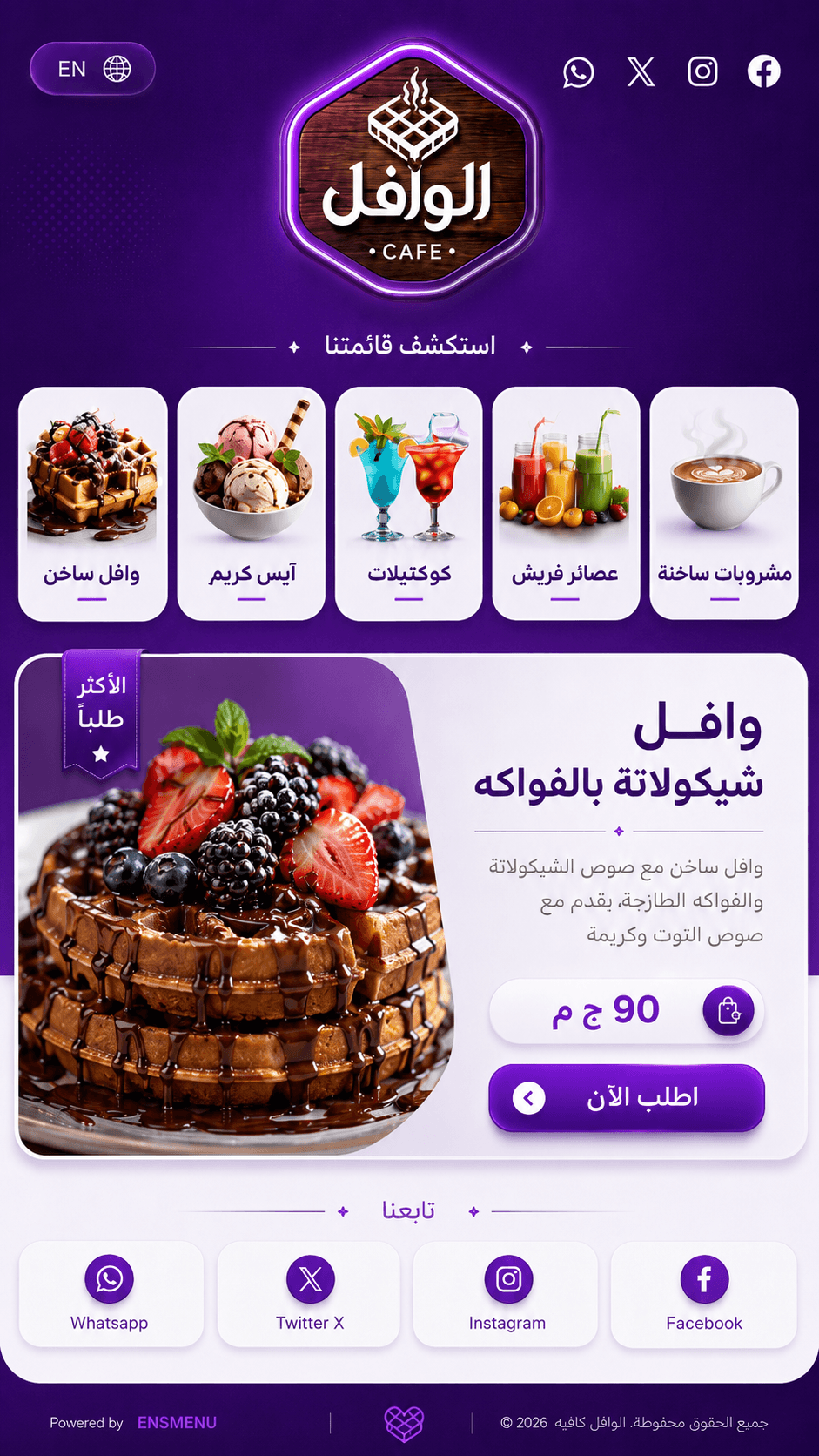
Waffle Template
Dark purple cafe menu with category cards and featured product layout
ProNew
Start free, upgrade when the tables need it
The free plan publishes a real menu. Pro adds ordering, staff, and the numbers behind them.
Free
Everything you need to put a working QR menu in front of guests.
- One published menu
- QR code for your venue
- Categories, dishes and photos
- Arabic and English
Pro
Most venuesFor venues taking orders, running a team, and watching the numbers.
- A QR code for every table
- Table ordering
- Delivery with addresses
- Staff accounts and roles
- Full analytics
- Your own domain
Before you start
The things restaurant owners ask us most.
Have another question? Read the full FAQ
How long does it take to get my menu online?
Do my guests need to install anything?
Does it work properly in Arabic?
What if the import gets something wrong?
What does it cost?
Can guests order, or is it only a menu?
Put your menu on every table tonight
Create a free account, upload the menu you already print, and publish it.
Free plan available. No card needed to publish your first menu.